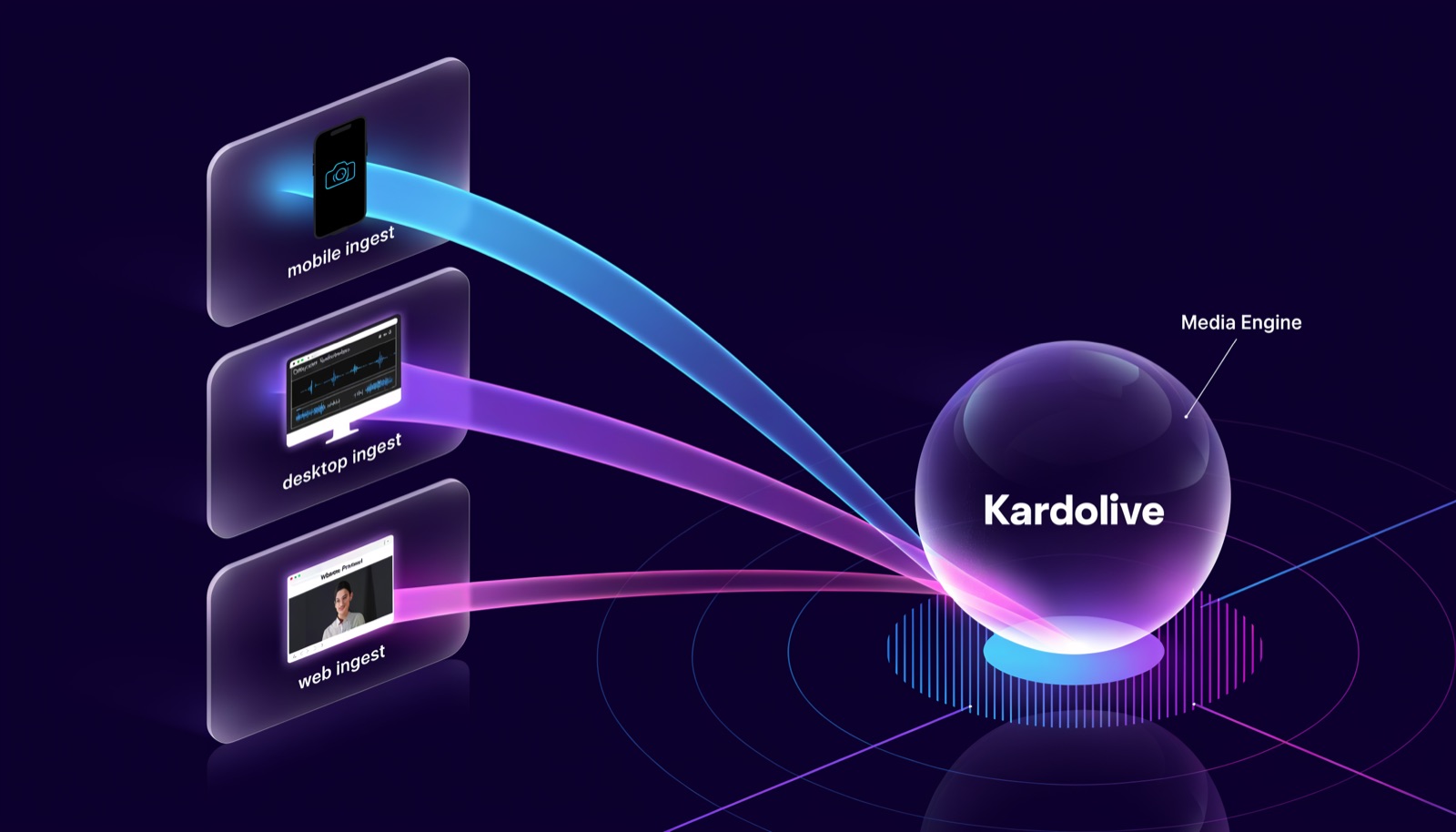
Go live from a browser tab. On screen in under a second.
Your audience watches at real-time speed instead of ten seconds behind — with chat, reactions, polls and product cards on the same screen. Works on a laptop and on a phone, with nothing to install at either end.
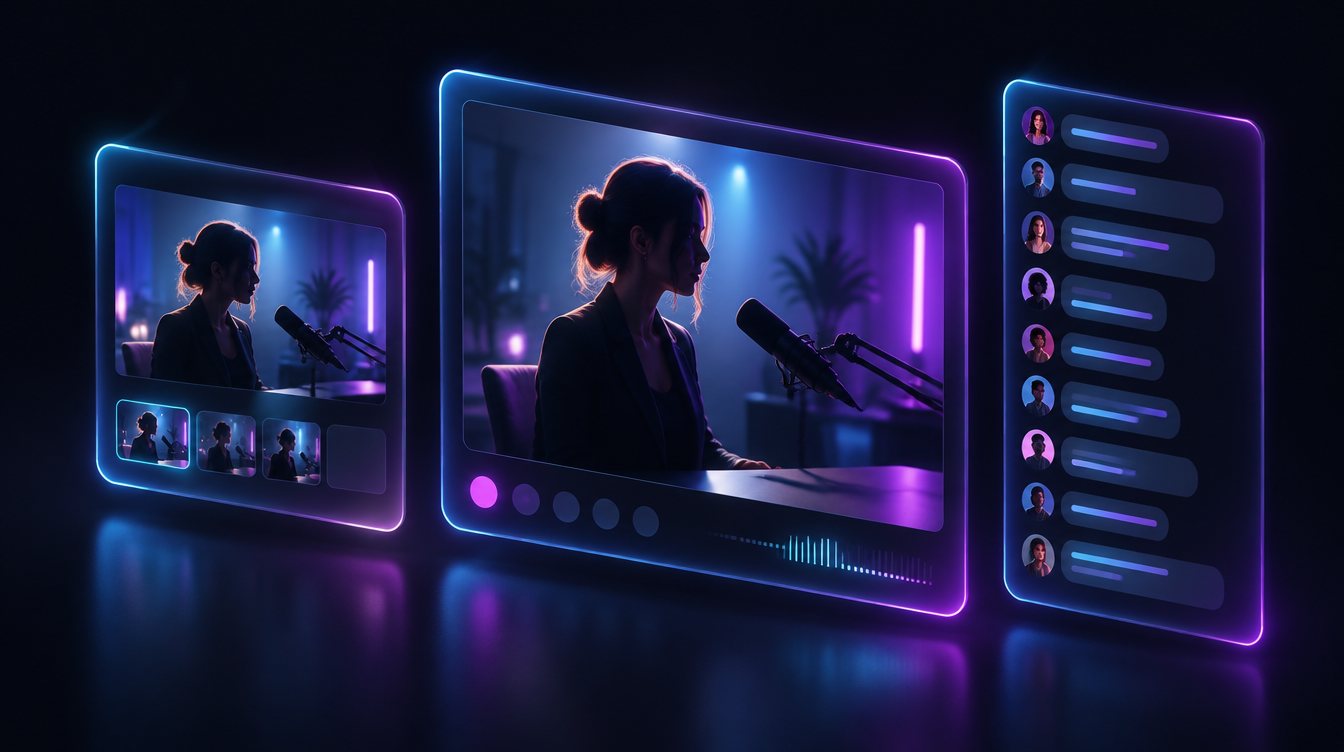
Broadcast, watch what they watch, and talk back — without changing tabs.
Most tools hand a presenter a preview that is seconds behind the audience, which makes reacting to chat guesswork. Here the monitor runs on the same low-latency path your viewers are on, and the conversation is beside it rather than in another window.
- Publish from the browser
- Camera and microphone straight from a tab. No encoder to install, no settings to guess at.
- A monitor on the real path
- The preview beside you plays the same stream your audience gets, so what you see is what they see.
- The room, next to the stream
- Chat, polls and Q&A sit in the rail and stay connected while you switch between them.
- Guests without accounts
- Send a co-host a link and they join the room and publish. Nothing to sign up for.
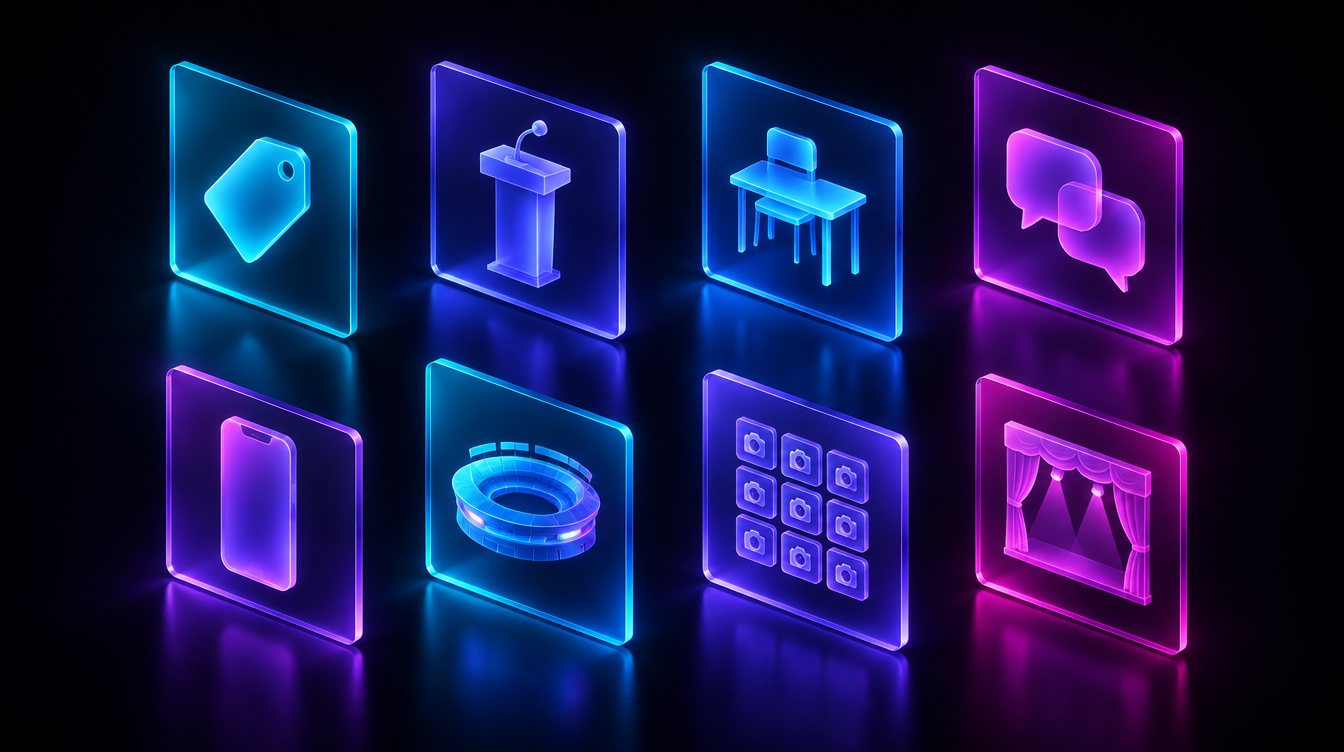
Say what kind of stream this is. The rest configures itself.
A blueprint decides the latency tier, whether the camera is landscape or portrait, how many people may publish, which interactive modules exist, what the viewer's page looks like, who is allowed to watch and how long recordings are kept. Eight ship with the platform — clone one, change what differs, and it is yours.
Vertical video, product card on screen, timed discount drops, auctions.
One presenter, a large audience, a moderated Q&A queue and polls.
Teacher and students in one room, hand-raise queue, spotlight, real-time.
Two people, invite only, on the record, kept for the long statutory periods.
Phone-first vertical video with a guest seat, reactions and chat.
Several cameras, spotlight on whoever matters, sub-second so the crowd reacts to the play.
A feed watched rather than performed to: no chat, invite only, deliberate retention.
Produced content for a large audience — reach and quality over latency.
Every other industry we serve is one of these shapes with a different policy on top — which is why a deposition and an all-hands can share a blueprint and still behave completely differently.

They click a link. That is the entire setup.
- A link is the whole install
- Viewers open it in the browser they already have. No app, no account, no plugin.
- Built for a phone as much as a desk
- On a phone the video sits above the conversation; on a desktop they sit side by side.
- It degrades, it does not fail
- Where a network blocks direct media we relay it and keep the low latency. Where even that is impossible the player falls back to standard streaming instead of showing nothing.
- The room travels with it
- Chat, reactions, polls and the product card render the same on both.
Latency is a choice, and the right one depends on the room.
A conversation breaks down past about a third of a second. A shopping stream needs a viewer to still be there when the offer lands. A produced broadcast would rather have reach and resilience. The blueprint picks the tier so nobody has to think about it mid-event.
Conversation: classrooms, consultations, co-hosting, auction floors.
Reaction: live shopping, interactive webinars, creator streams.
Reach: large audiences, produced events, replays.
A stream nobody can answer is just a video.
- Live chat, with the host marked and moderation on by default
- Reactions with running totals
- Polls that show results the moment someone votes
- A Q&A queue viewers upvote, so the good question rises
- Hand-raise, for when someone should be heard rather than typed
- Spotlight, to put one person on the main stage
- A product card on screen with price, discount and stock
- Timed discount drops that count down in front of the viewer
- Live auctions with bidding while the stream runs
- A catalog you can sync from the system you already sell in
- Sales attributed to the stream that produced them
Who may watch, and how long it lives afterwards.
The questions that decide whether a platform can carry a consultation, a deposition or a council meeting — and the ones most streaming tools leave to you.
Public when you want reach, invite-only when you do not. Invite links expire, and the rule is applied where the media is served — not merely hidden in the page, which is the difference between a policy and a suggestion.
Each blueprint carries a retention window, stamped onto a recording when it is made. Editing the policy later never shortens what is already captured.
A legal hold exempts a specific recording from the policy entirely, for the times "we delete after 90 days" is the wrong answer.
Recordings and replays, plus an audit trail of the actions taken on a stream and by whom.
From live shopping to telehealth — covered out of the box.
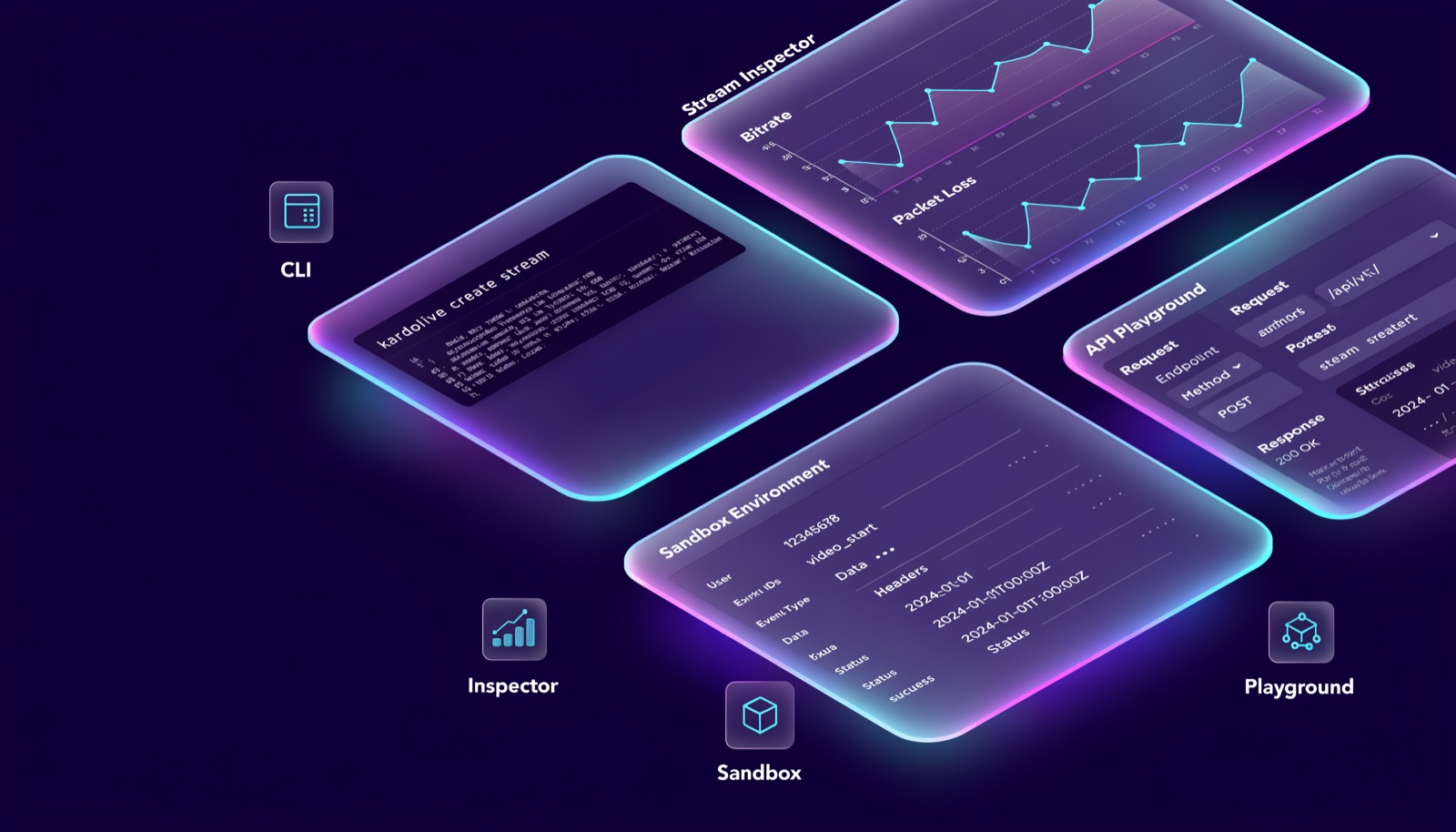
Everything the console does, your code can do too.
The dashboard is a client of the same public API you get. Nothing it can do is reserved.
Create streams, mint keys, run polls and offers, read analytics.
Signed deliveries with retries, so your systems hear about a stream going live.
Drop the player into your own page and keep your own shell around it.
Push from any ordinary encoder with a stream key, or publish from the browser.
Start free. Scale when it pays for itself.
Five tiers with published overage rates, so the bill is arithmetic rather than a negotiation.
Your first stream is about four minutes away.
Create a workspace, pick what kind of stream it is, and go live from the browser you already have open.